AI mind map features
Everything a chat app can't do
You think in graphs, not linear conversations. mindmap.io is built exactly for that.
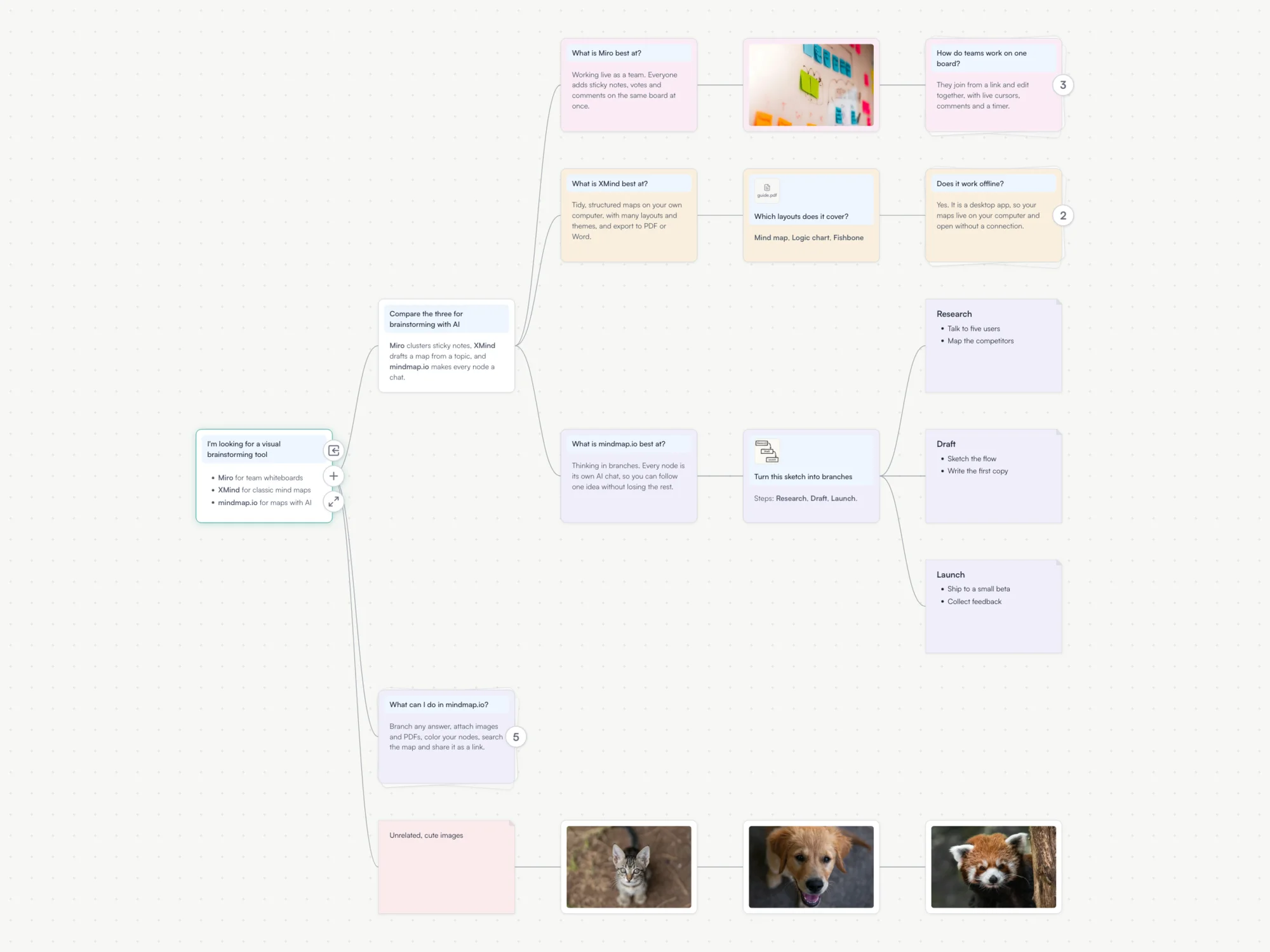
One canvas, many conversations
Get a second opinion, explore different follow-ups, or run prompt evals side by side. Branch off at any point in your conversation. Every branch keeps full context.
Ask Claude on one branch, GPT on another
ChatGPT, Claude, Gemini, DeepSeek, and more. All in one canvas. Switch models at any point in your conversation and compare results side by side.
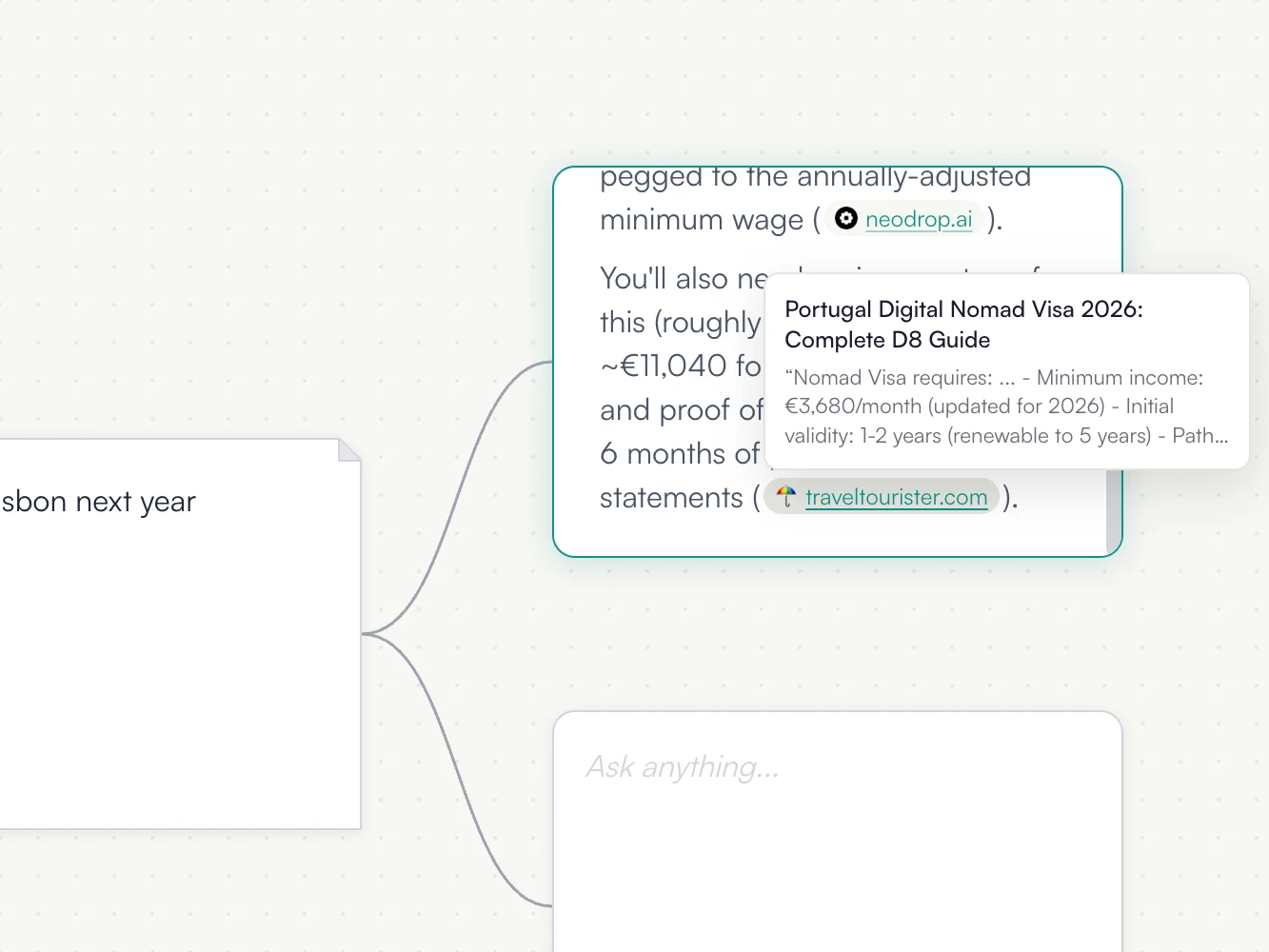
Web search on prompt nodes
Ask about anything and AI models can search the web to find your answer. If a model uses web search to respond, it will cite the link of the websites it looked at.
Markdown, images, and color coding
Drop a photo, a screenshot or a PDF onto a node and ask about it. Nodes support Markdown rendering, and prompt node responses are rendered as Markdown. You can also color code your mindmap by changing the color of any node using the color palette.
Let AI take the wheel
Set a depth and let AI do a deep dive. It branches off, asks its own follow-ups, and expands on your thought. Deep dives, literature reviews, entire knowledge bases, all built while you're away.
Big picture when you need it, detail when you don't
AI summarizes every node at four zoom levels. Zoom out to see the bigger picture and scan a hundred branches at a glance, zoom into any conversation for the full detail.
Ask Milo to edit your map
Milo is mindmap.io's AI assistant. It can read your mindmap, edit the nodes and branches, and answer any questions you have. Just talk to it and it will create and organize your mindmap for you.
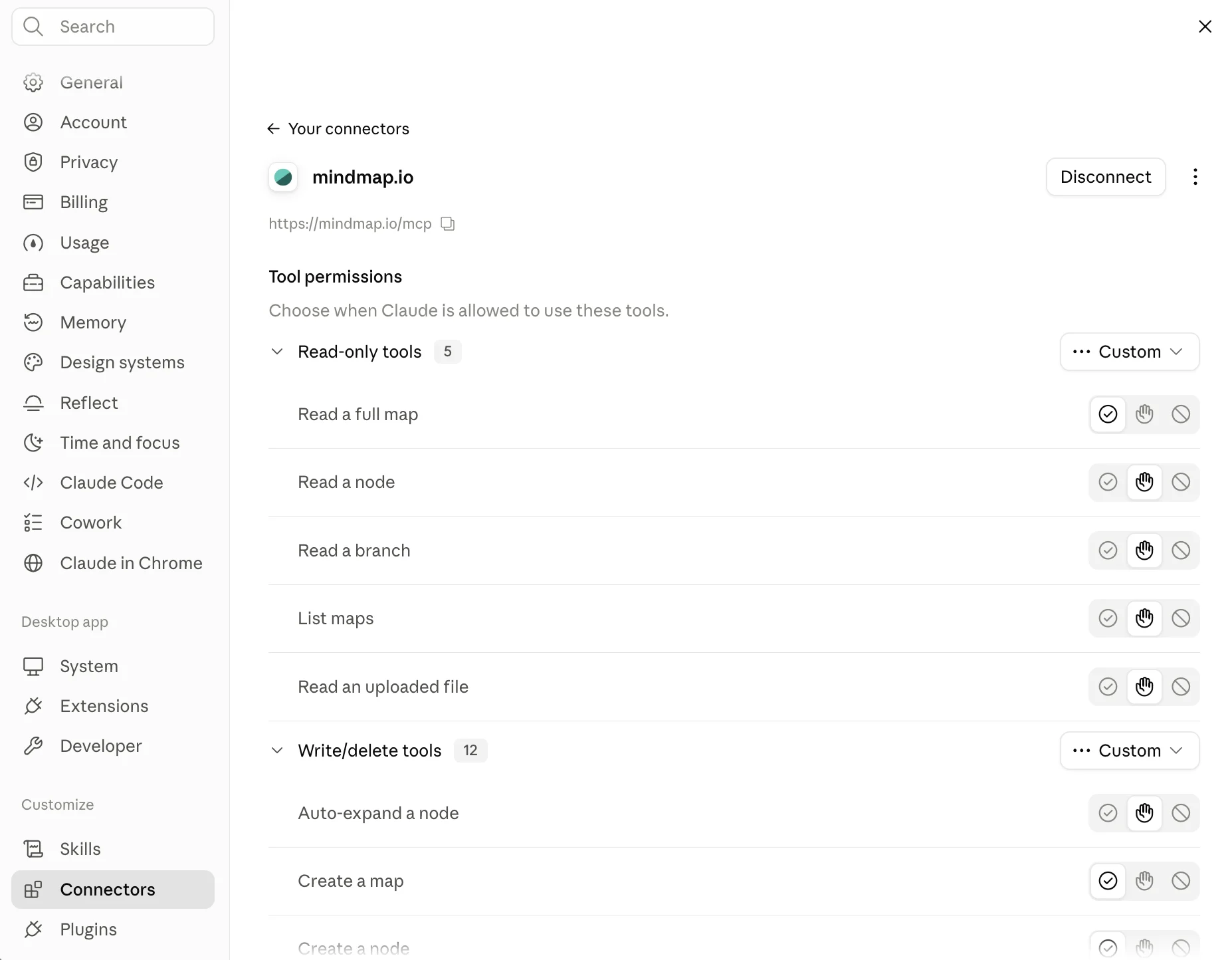
Use mindmap.io from Claude, ChatGPT, or your own agent
Add the mindmap.io connector to Claude, ChatGPT, OpenClaw, Hermes or any other agent. It can read your mindmaps, answer questions about them, and build new ones for you. See the setup guide.
Publish your map and share it with others
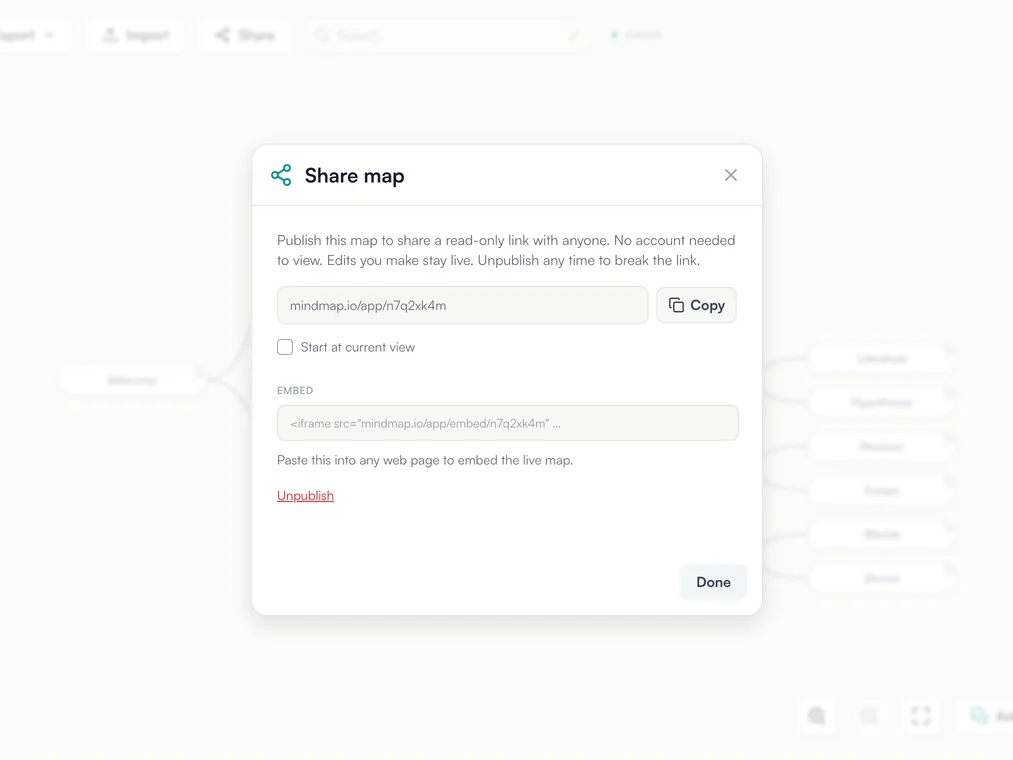
Publish a map and anyone with the link can read it without an account. Embed the live map in any page, or let readers clone it and keep going in their own.
Watch the mindmap.io tutorial to learn how to use it.