Send feedback without leaving the app
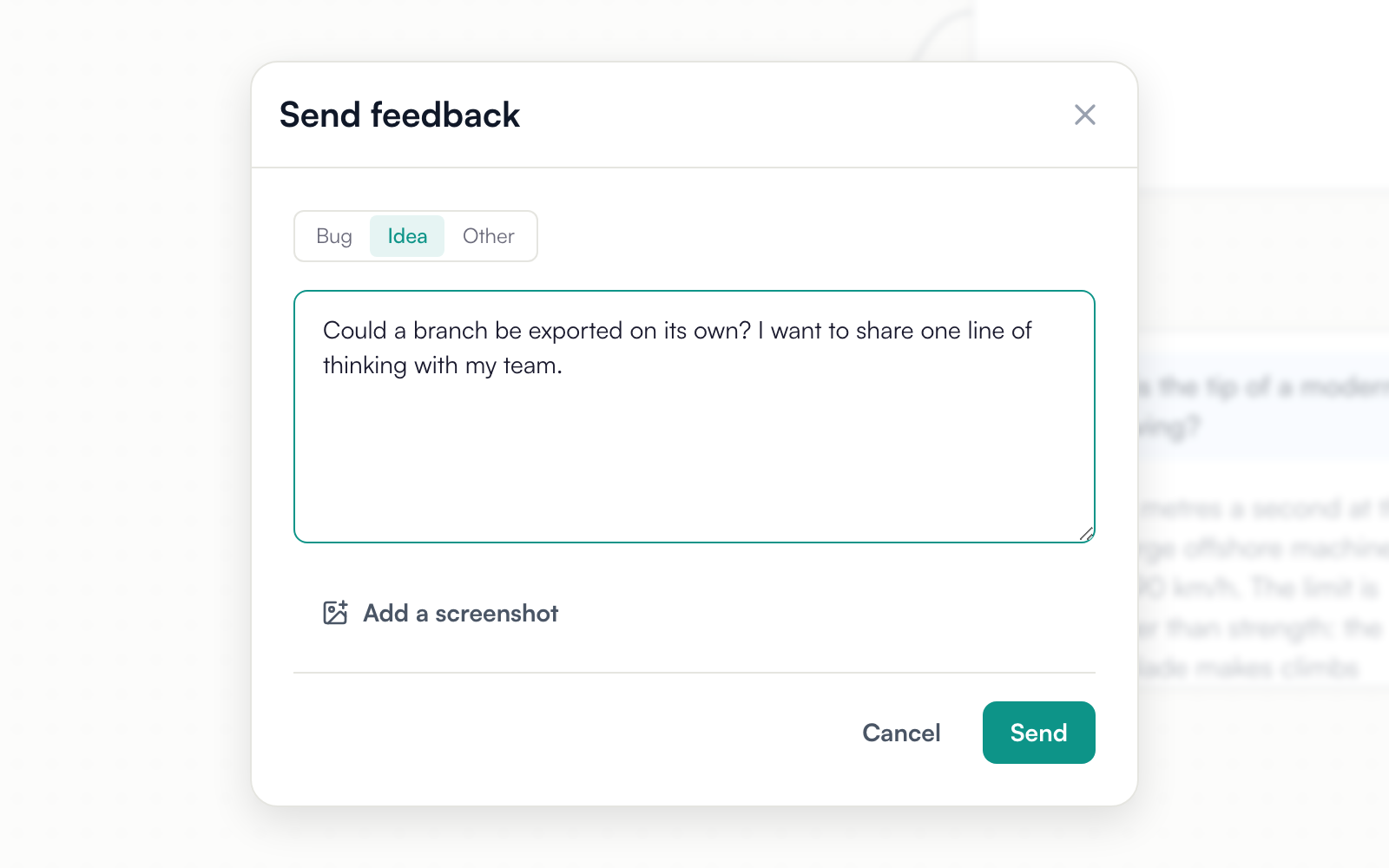
You can now report a bug or suggest an idea from a form inside mindmap.io. Pick Bug, Idea or Other, write what happened, and attach up to three screenshots. You can also paste a screenshot straight into the form.
Open it from Settings → Help → Send feedback. You can also ask Milo to send it for you, or your own AI agent through the mindmap.io connector. A connector with read-only access can’t send feedback.
You don’t need an account. If you’re signed in, a reply goes to your account email. If you aren’t, leave an email when you want a reply. Replies come from [email protected], and answering one continues the same conversation.
We appreciate our users’ feedback, and this allows us to have a two-way channel of communication with our users so we can acknowledge that we received your requests, ask for follow ups to gather your requirements accurately and make sure we are providing the best experience for you all.
Open mindmap.io and send us a note.