Right-clicking a node now opens a menu
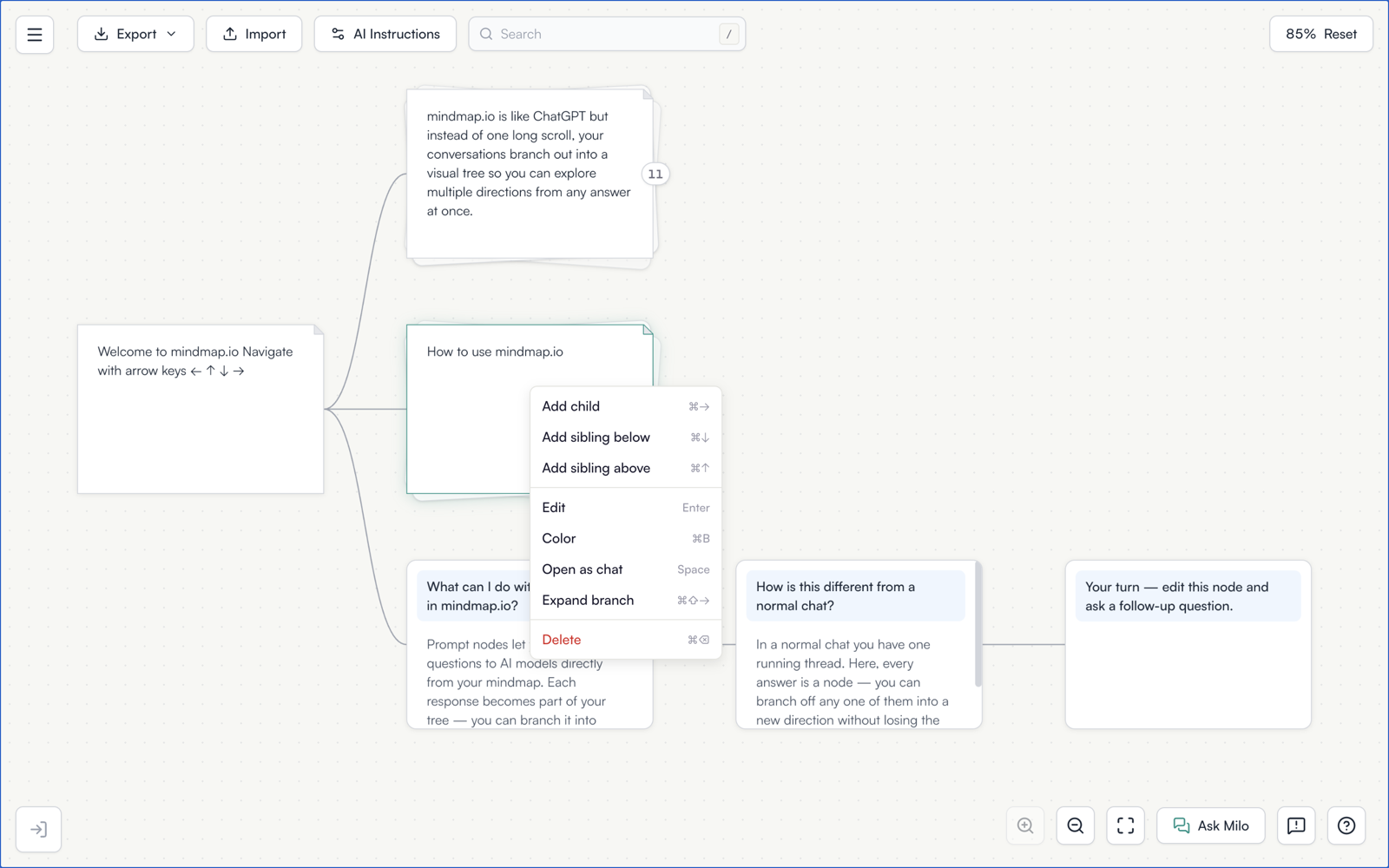
Right-click a node and you get a menu: add a child, add a sibling, edit, collapse or expand, delete. Right-click empty canvas and you get zoom to fit, reset zoom and help.
Every entry displays its keyboard shortcut beside it. That is as much the point of the menu as the commands are. Someone working with the mouse gets to the command, and while they are there they see the key that would have been faster, which teaches a shortcut better than a list nobody opens.
Open a map and right-click a node.