Nodes now take images and PDFs
You can now attach photos and PDFs to any node. You can send them to Milo too.
Drag a file onto the node you are editing, or click the + at the left of the input and choose “Add files or photos”. Pasting a screenshot works as well.
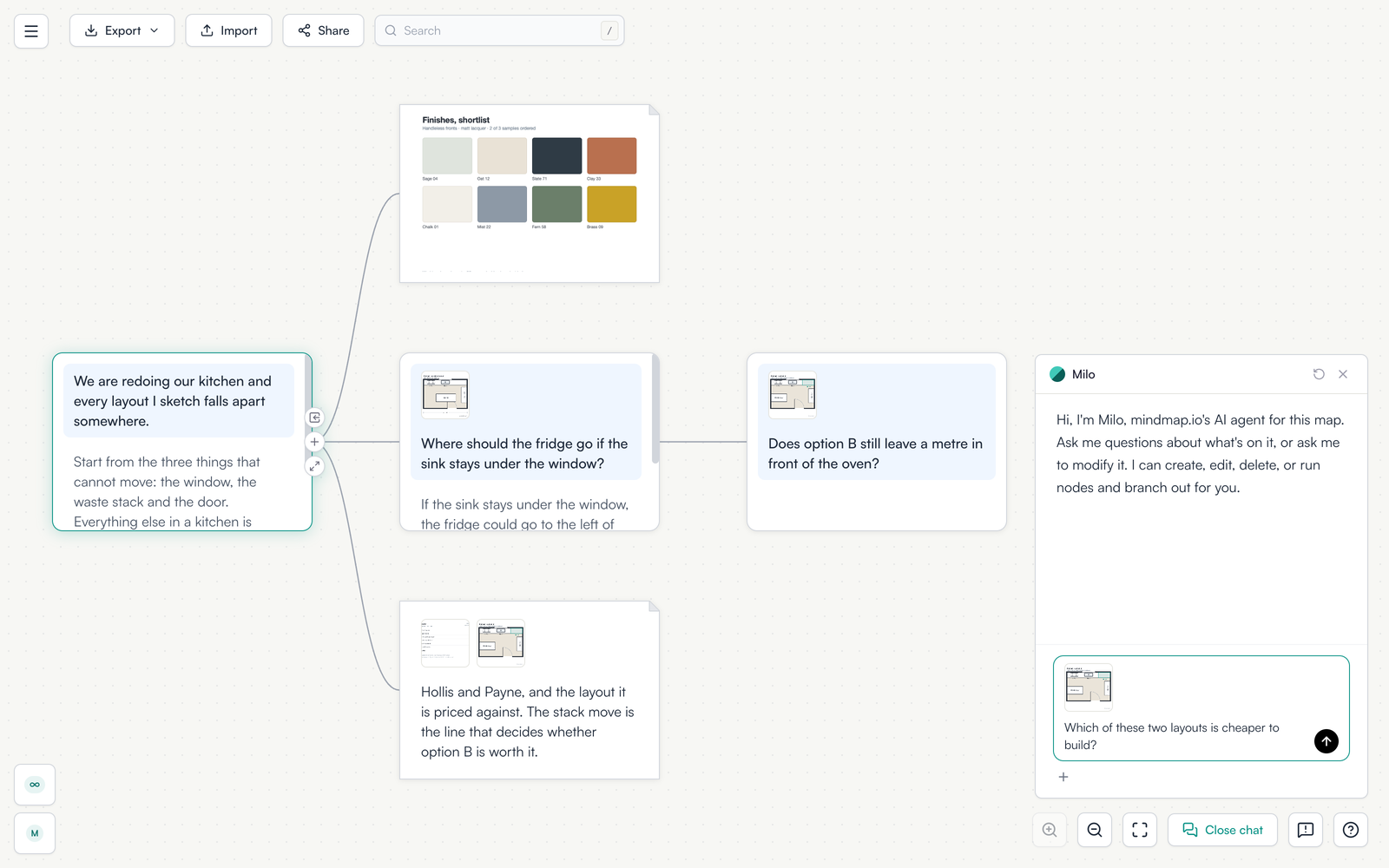
Up to 10 MB a file, and five files per node.
Open a map and drop something on a node.