What's new now appears in the sidebar
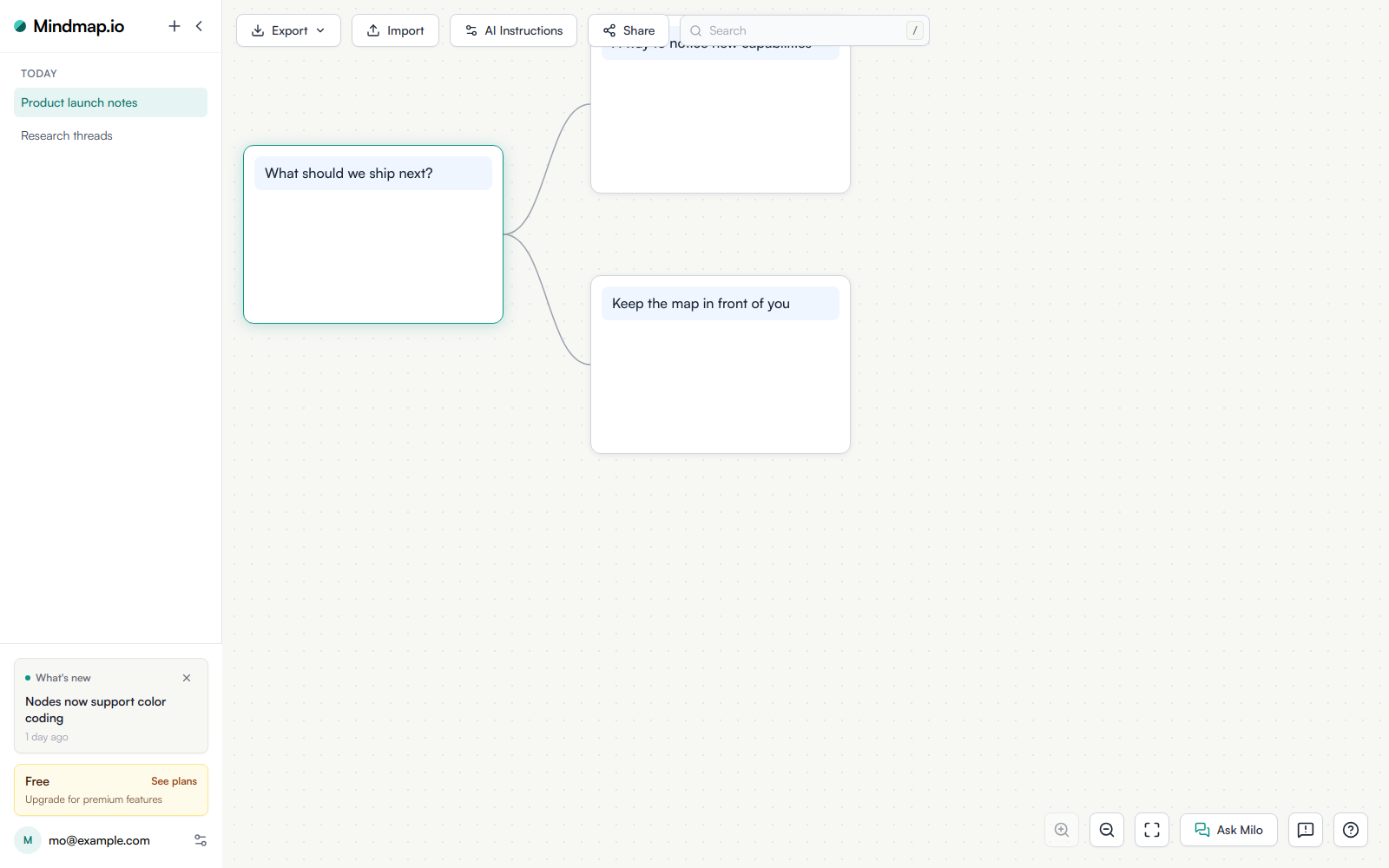
Logged-in sessions now learn about a new ship without leaving the map. A third section in the sidebar footer, labeled What’s new, names the newest entry, says how long ago it shipped, and opens it in a new tab so the map in front of you stays put. The collapsed rail carries the same notification as a megaphone badge whose tooltip is the entry title.
The card is a notification, not a fixture. It only renders while the newest entry is unread and less than seven days old. Dismissing it or opening the entry clears it until the next ship, and the rail badge appears and disappears with it. Read state is stored on your account, so clearing it on a laptop clears it on a phone.
The same log also leaves as a weekly product-update email. Settings → Preferences has a Product update email switch, on by default, for turning those messages off. The public archive of every entry sits at /changelog/.
Open a map while signed in to see the card when something new has shipped.