Maps can now be renamed
A mindmap’s title is generated automatically using the content of the root node. With this latest change, you can now override that title and rename your map.
Click the … button beside a map in the sidebar, then choose Rename. You can also double click the title to rename it, and press Enter to save the new title.
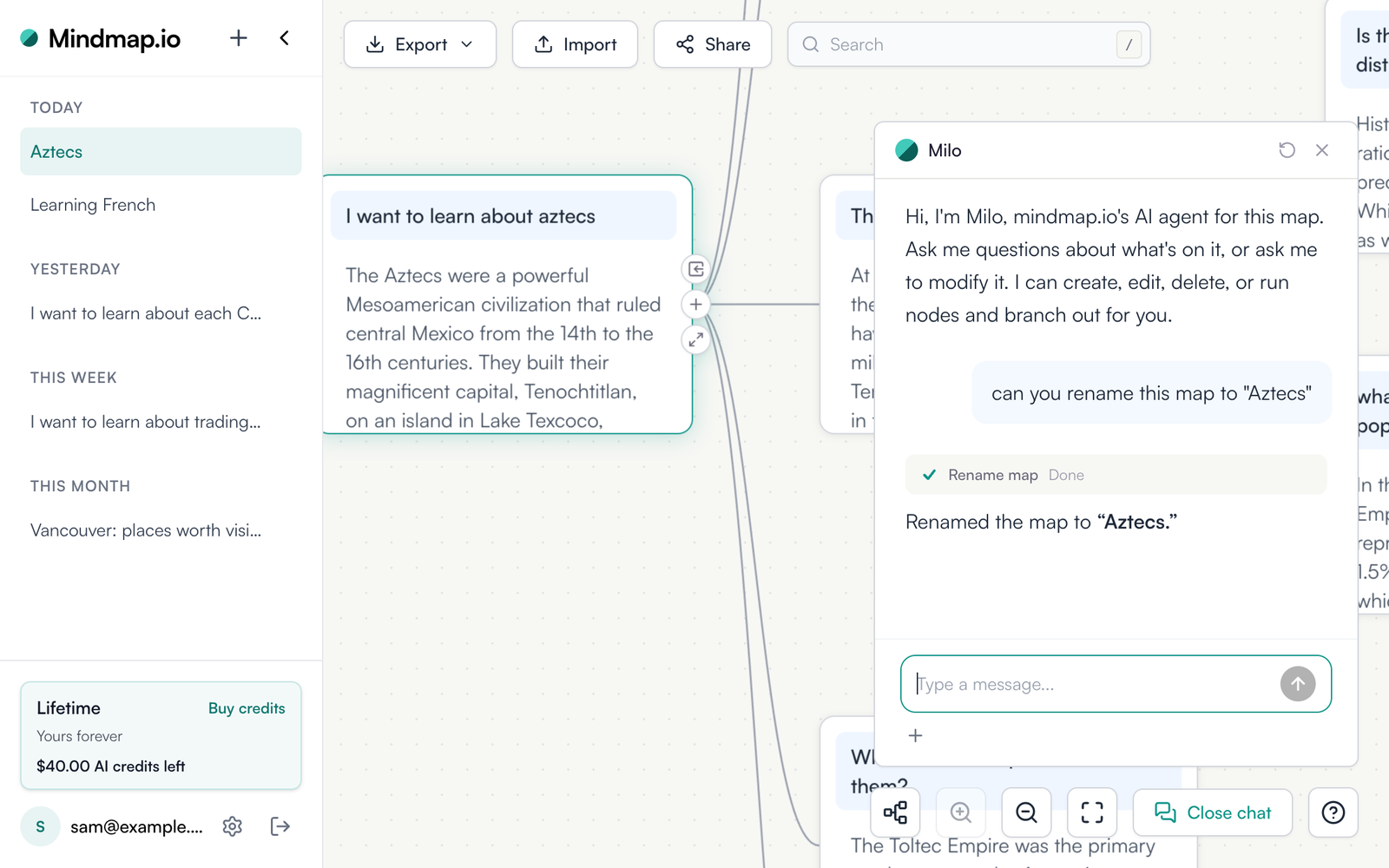
Milo can rename the map you are working in when you ask it to as well, and agents connected through the MCP server can use the new rename_map tool to do the same.
Open your maps and double-click a title to try it.